Free shipping from €82.00
Fast shipping
Verified store
Thousands of customers




Free shipping from €82.00

Enclosed 60W diode laser with a 400 x 400 mm working area, built-in camera, and adjustable beam. It is designed for fast cutting of thicker materials as well as precise engraving.
Included free · Premium support for 1 week

Creality Falcon2 Pro 60W
An enclosed diode laser with a built-in camera, integrated air assist, triple monitoring and FDA Class 1 laser safety.

Diode laser
Falcon2 Pro is available with a 22, 40 or 60 W laser. The 60W version uses FAC spot compression technology to combine twelve 5.5 W lasers into one powerful beam.
Three versions
The versions differ in laser power, spot size and the material thickness they cut through in a single pass.
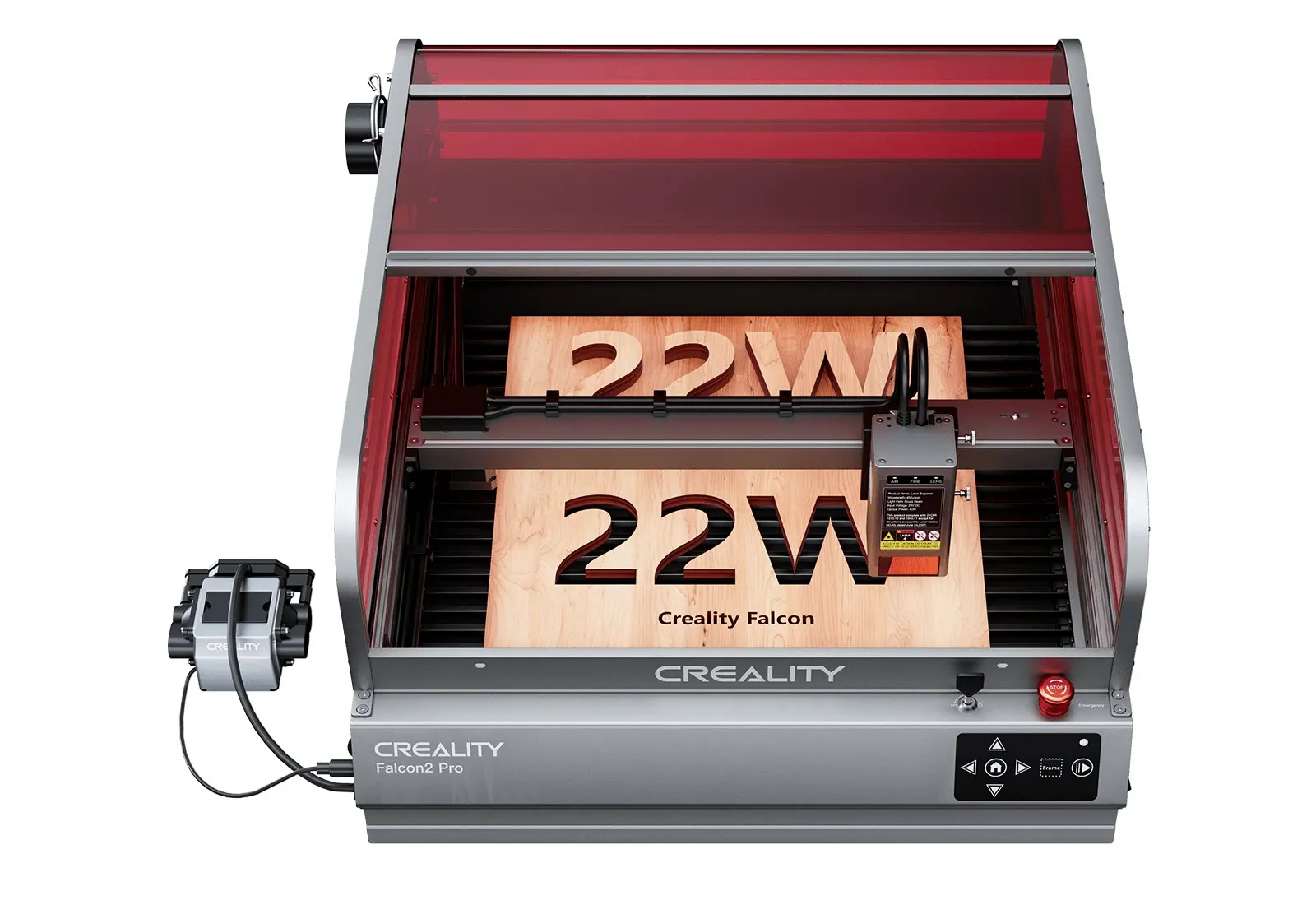
Optical power 22 W. Spot 0.08 × 0.1 mm. Working area 400 × 415 mm. Cuts in one pass: basswood 10 mm, acrylic 10 mm.
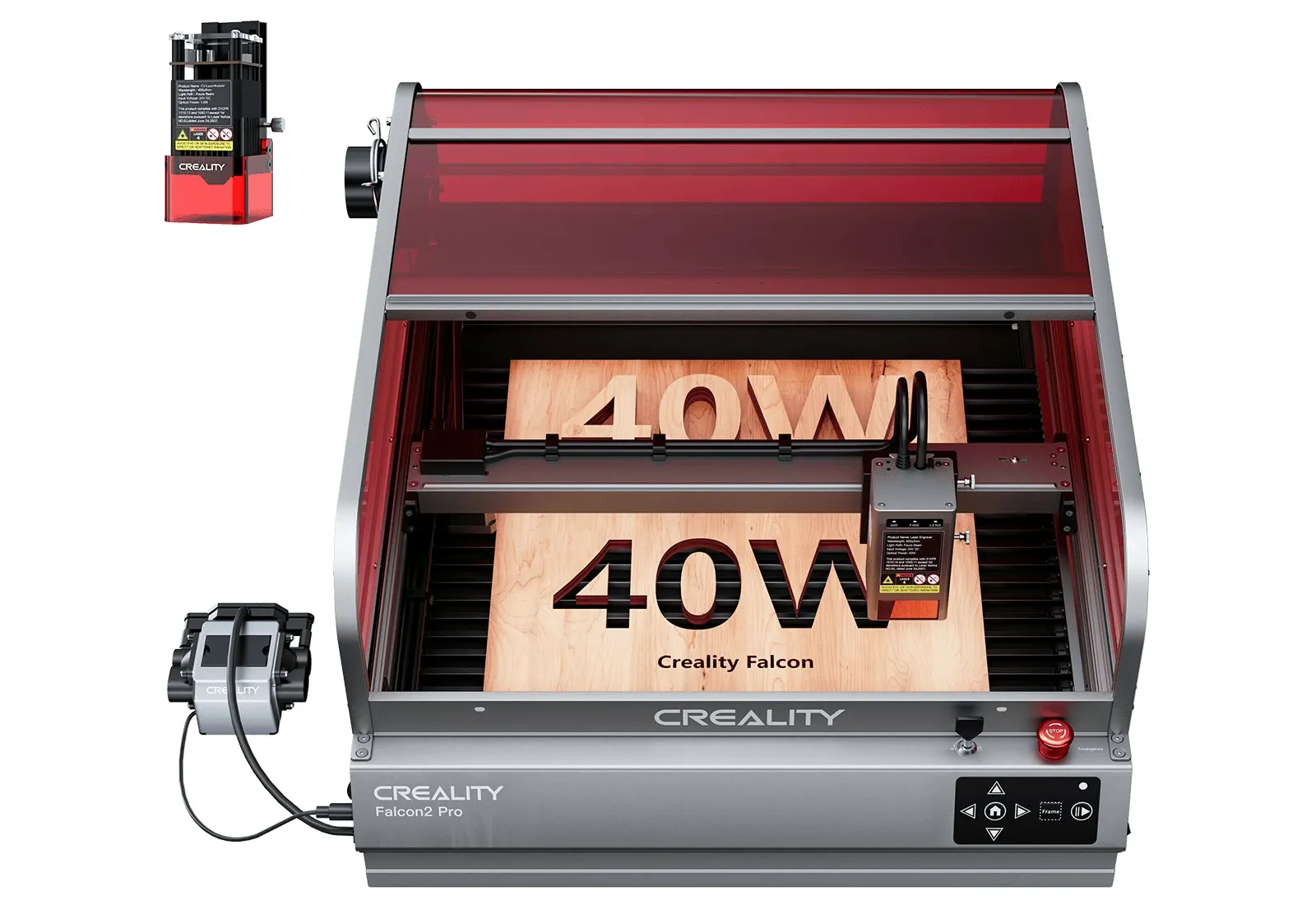
Optical power 40 W + 1.6 W. Spot 0.08 × 0.12 mm. Working area 400 × 415 mm. Cuts in one pass: basswood 20 mm, acrylic 30 mm, metal sheet 0.15 mm.
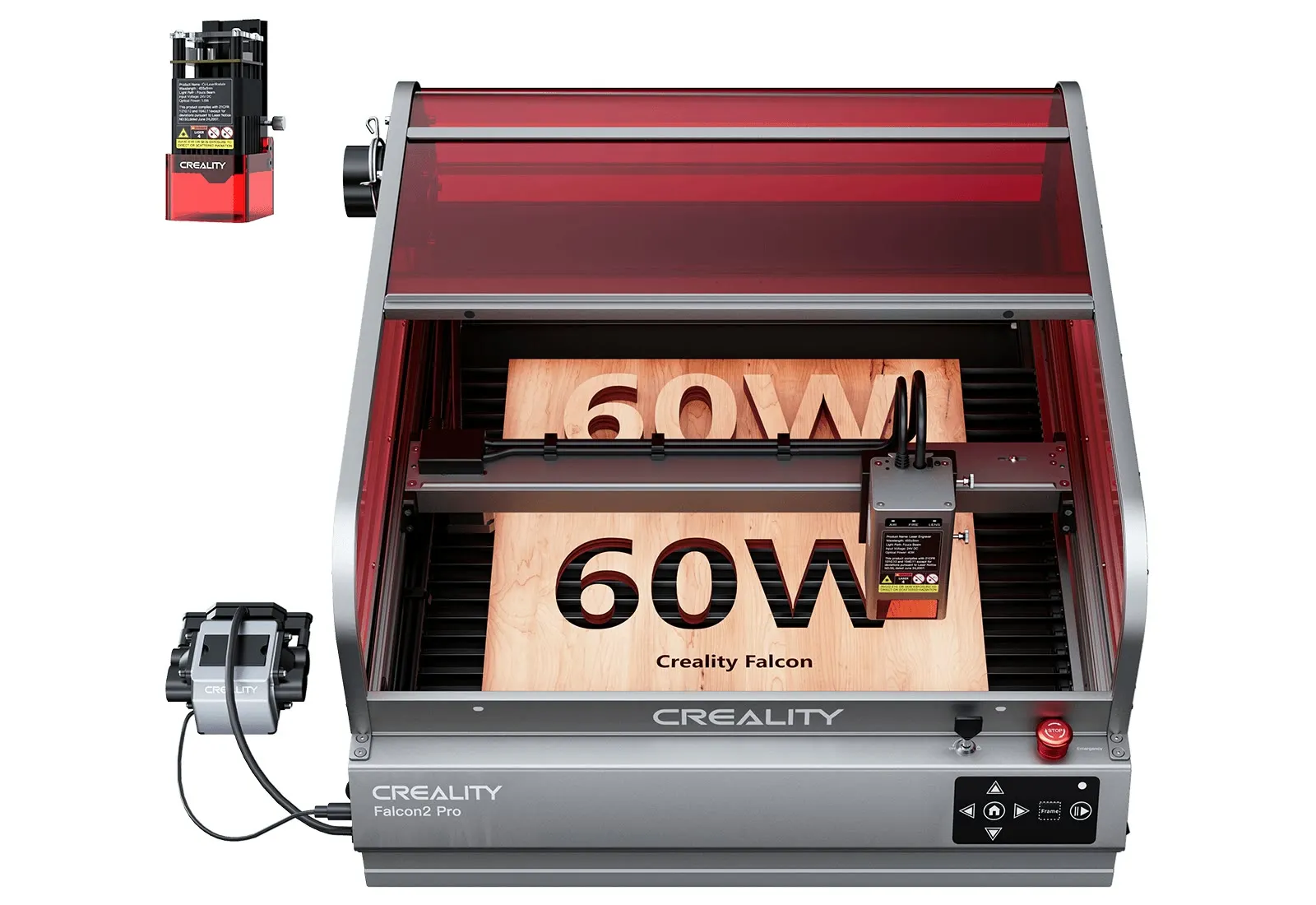
Optical power 60 W + 1.6 W. Spot 0.08 × 0.15 mm. Working area 400 × 400 mm. Cuts in one pass: basswood 22 mm, acrylic 30 mm, metal sheet 0.2 mm.
Falcon2 Pro 60W
Cutting demos of the 60W version with material thickness measurements.
Higher efficiency
Falcon2 Pro 60W cuts common materials faster and boosts the efficiency of small-scale production. In the demo, it finishes the same design much sooner than the Falcon2 22W.
The same design with a 22 W laser.
The same design with a 60 W laser.
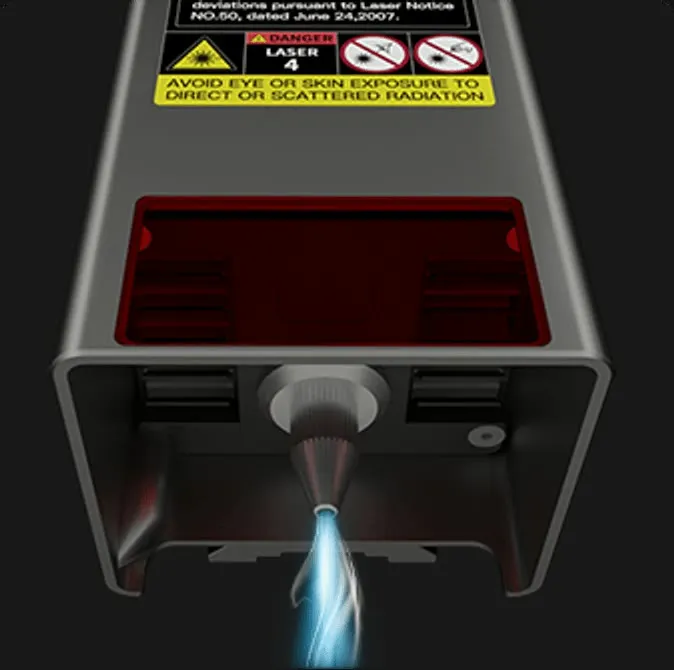
Integrated air assist
The included air pump blows air onto the cutting point. Set the airflow automatically or manually: high for cutting, low for engraving.
Clean surface
High power vaporizes the material quickly instead of charring or yellowing it, so the cut surface stays clean.
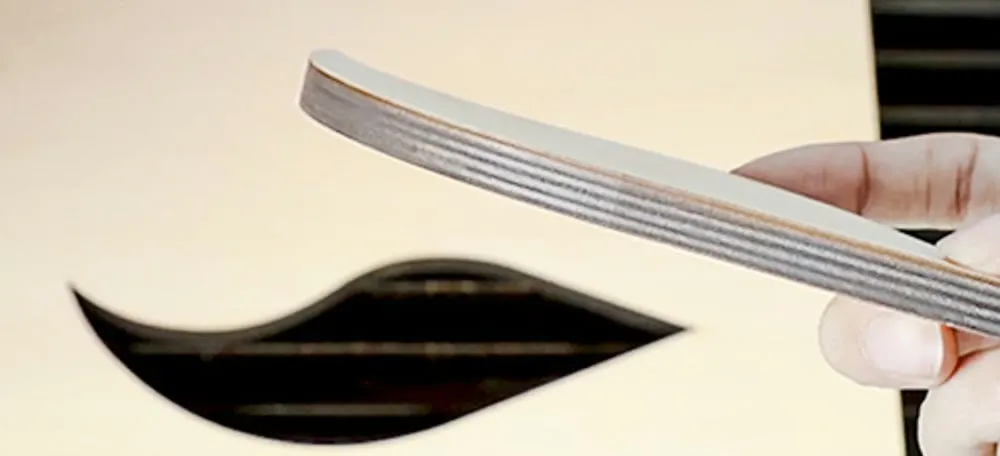
Clean cut surface.
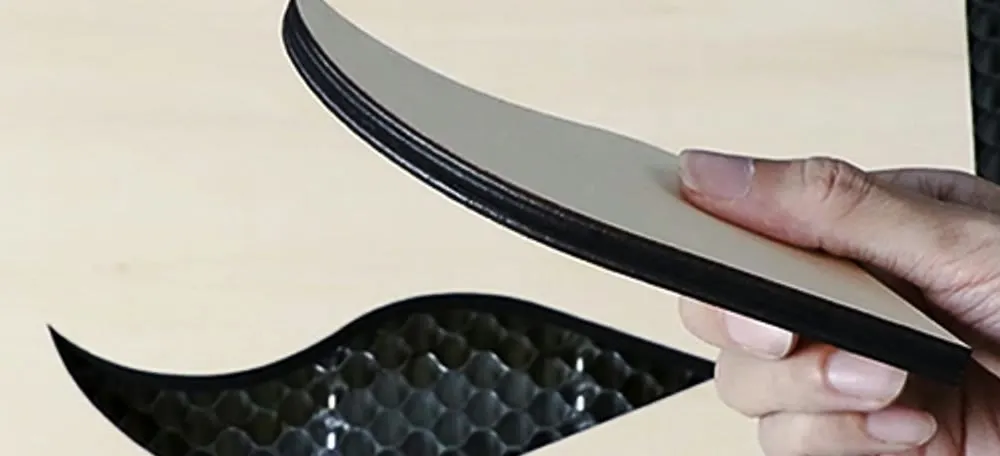
Dark, charred cut surface.
Adjustable beam
Switch the beam in the software or right on the laser module and move smoothly from cutting thick material to engraving fine details.
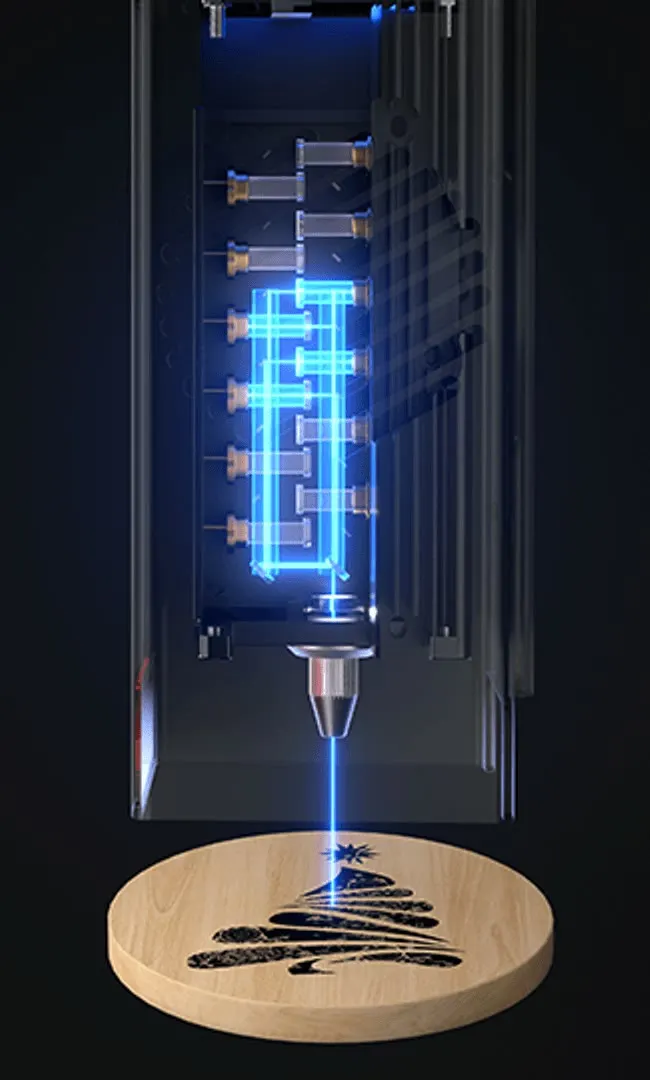
The finest engraving and the narrowest kerf.
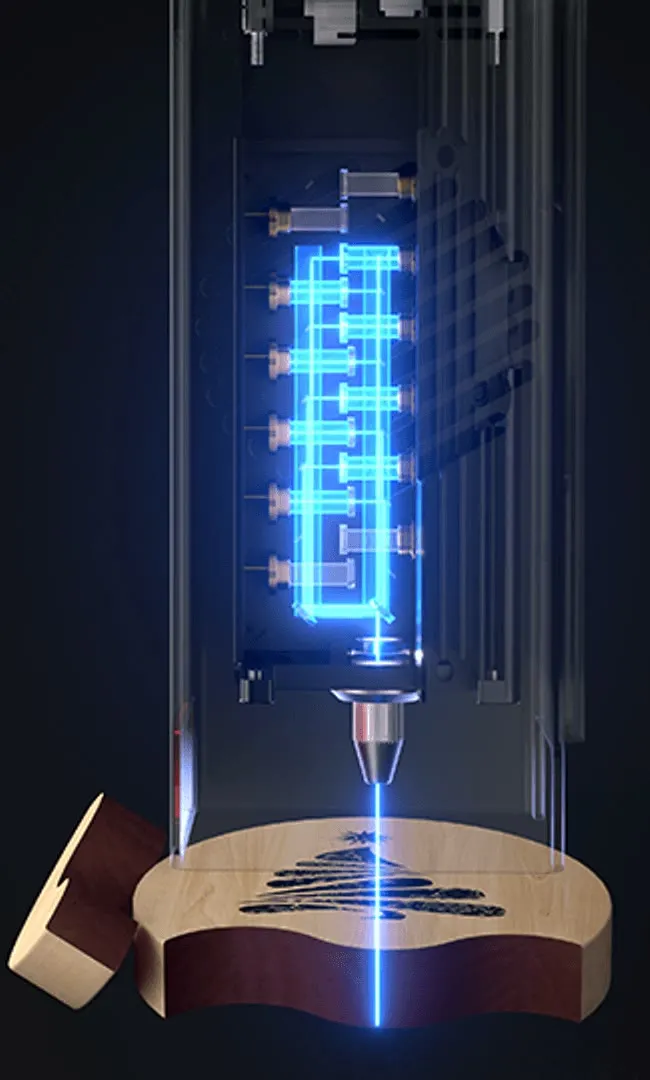
Thicker materials and faster cutting.
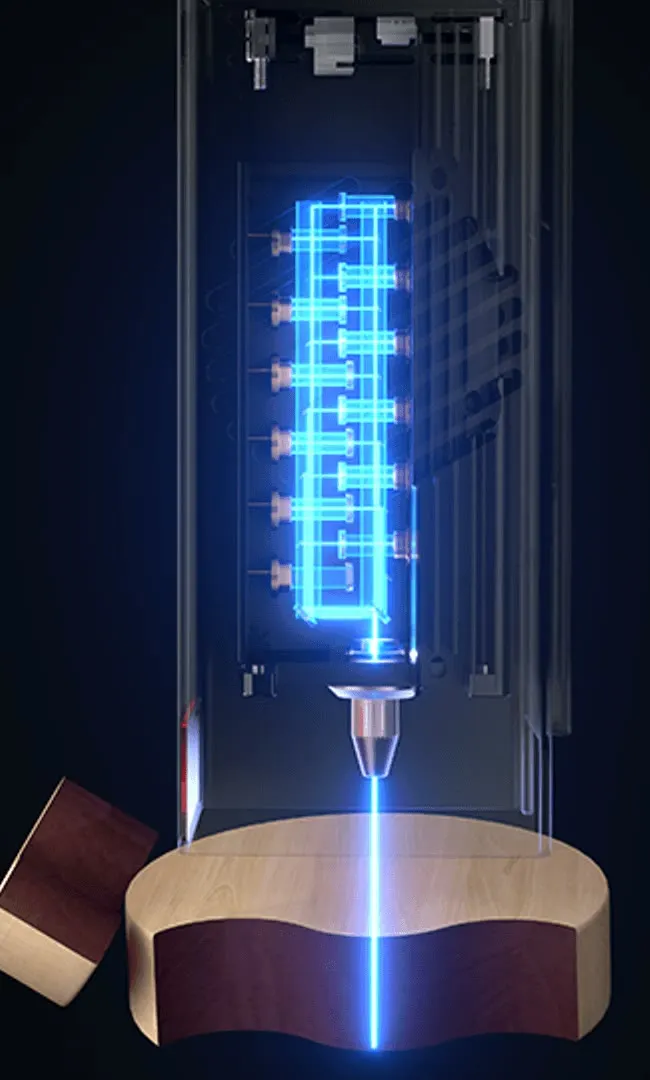
Full power for the thickest materials and the fastest cutting.
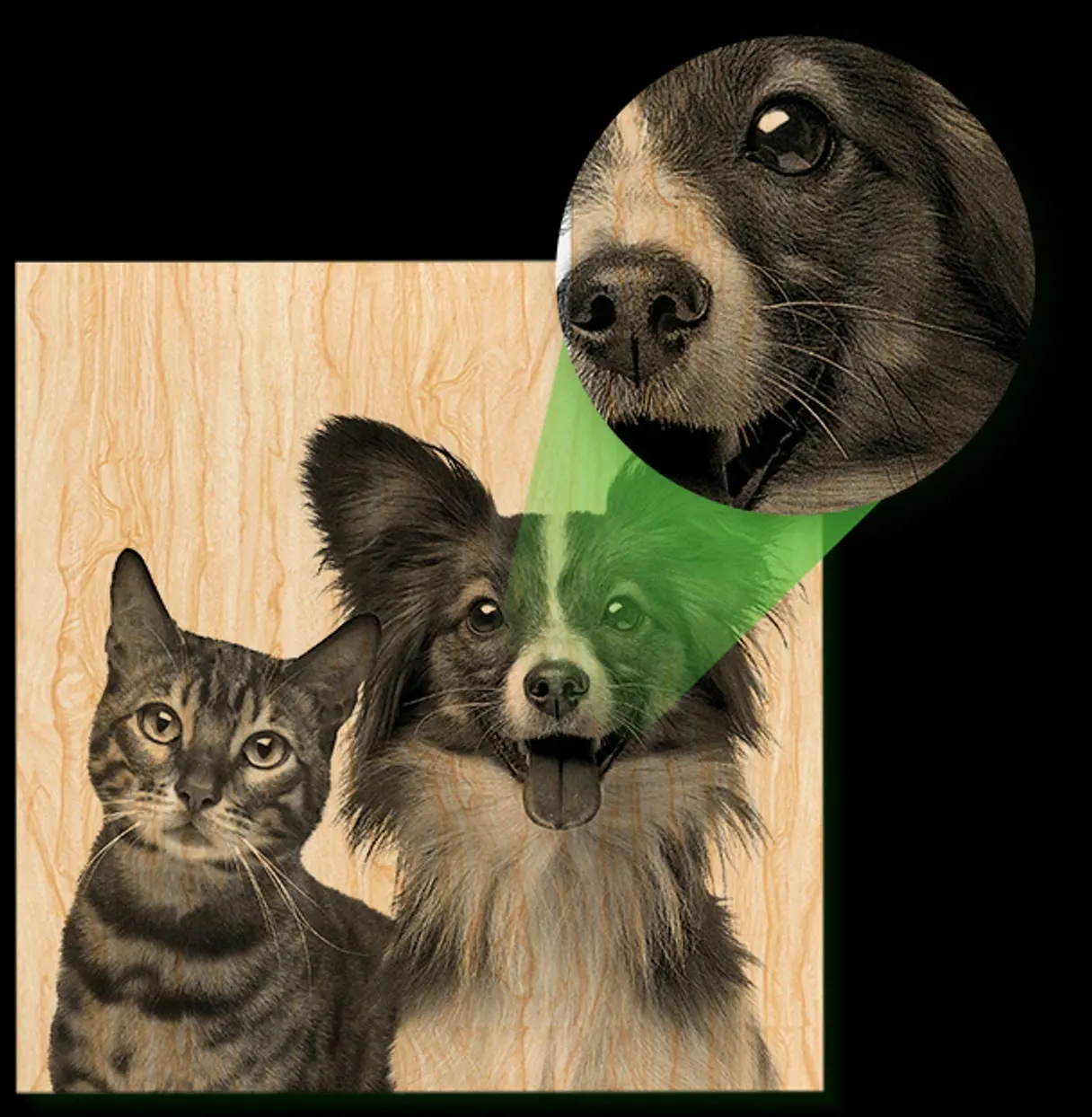
1.6W module included
The 1.6W laser module has a spot of just 0.06 × 0.06 mm, so it handles very fine engraving with precise detail, such as photos.
Built-in camera
A high-resolution camera shows the entire working area in real time. Place your design right on the material and position multiple pieces at once.
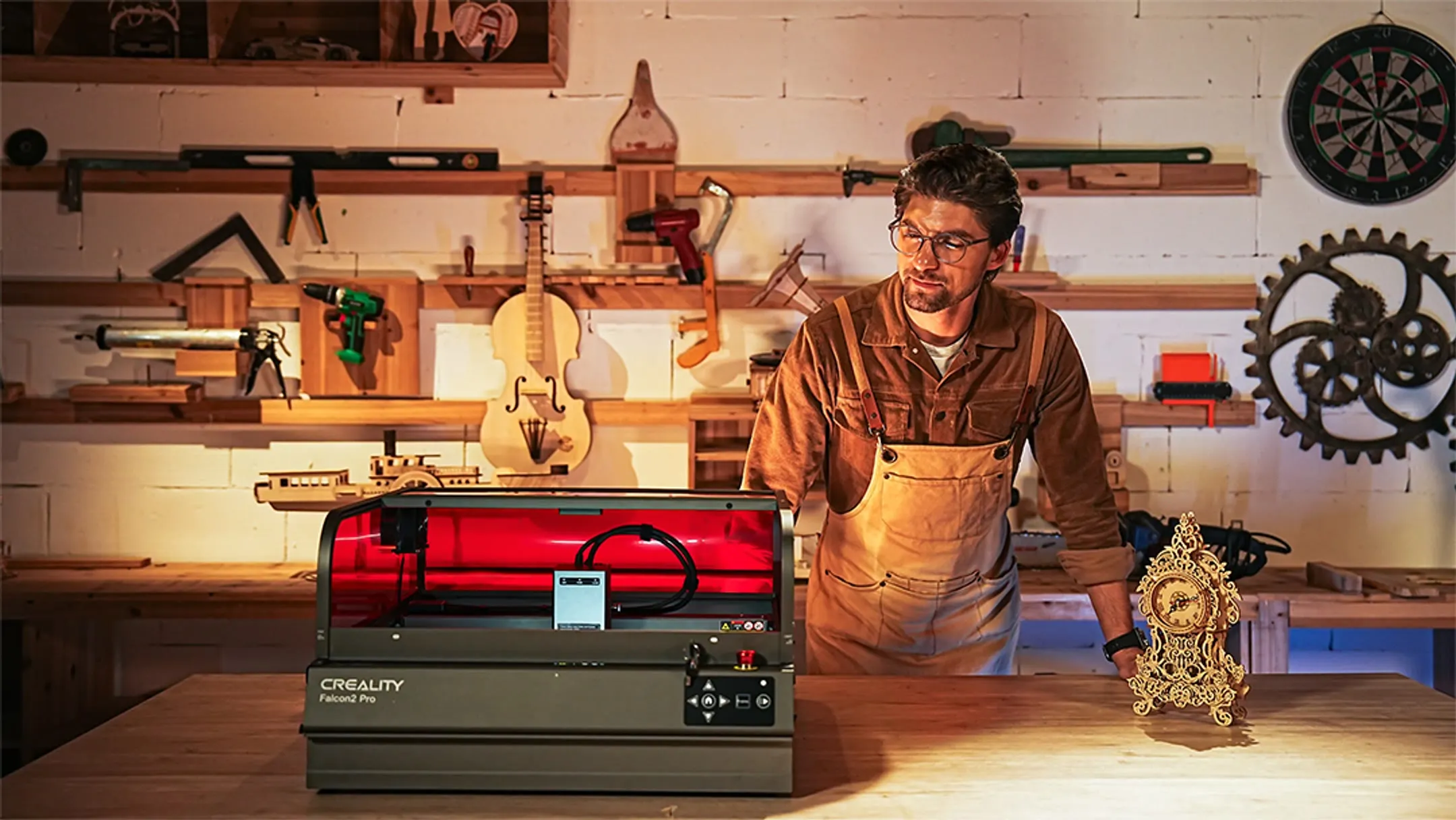
400 × 400 mm
Lay out several pieces of material on the working area at once, and the camera helps you place each one precisely.
Rotary engraving
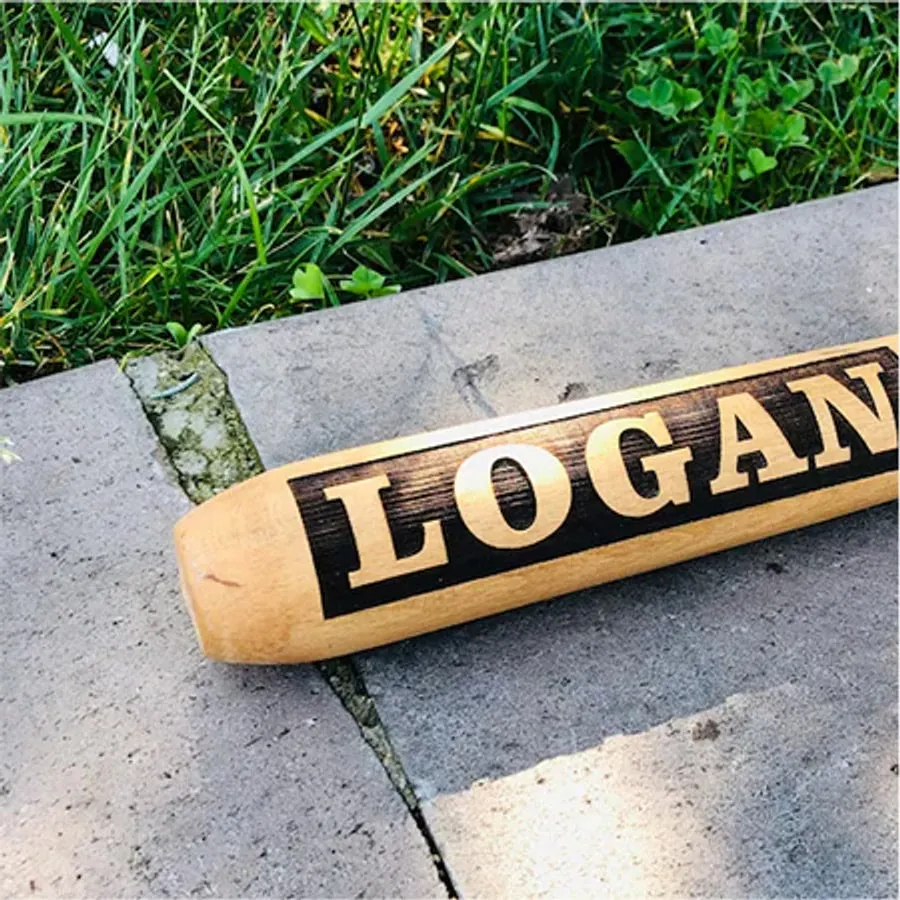
With the Creality Rotary Kit Pro, engrave your own designs on mugs, glasses, baseball bats and other cylindrical objects.
Materials
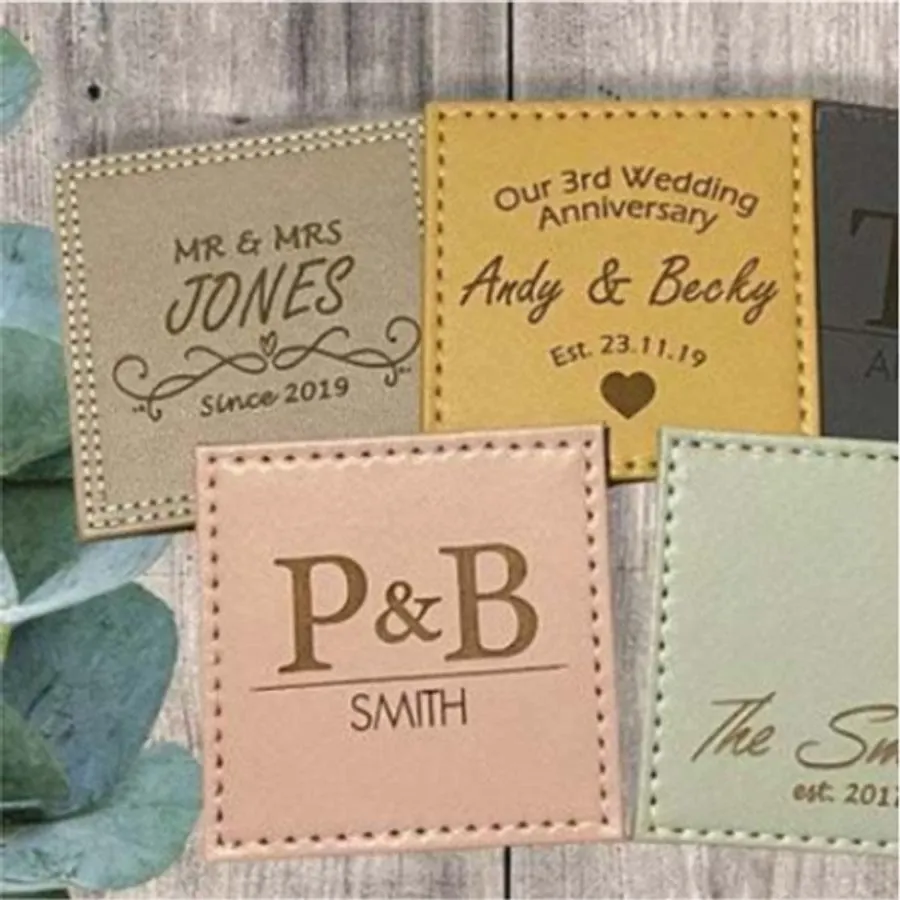
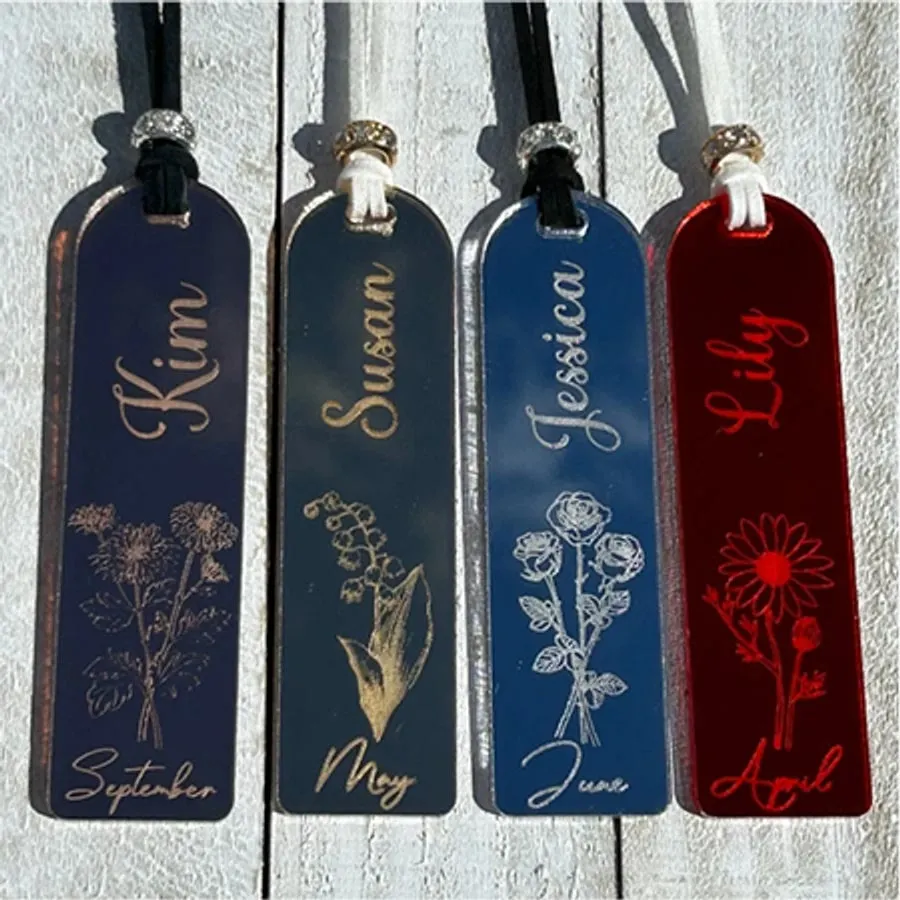
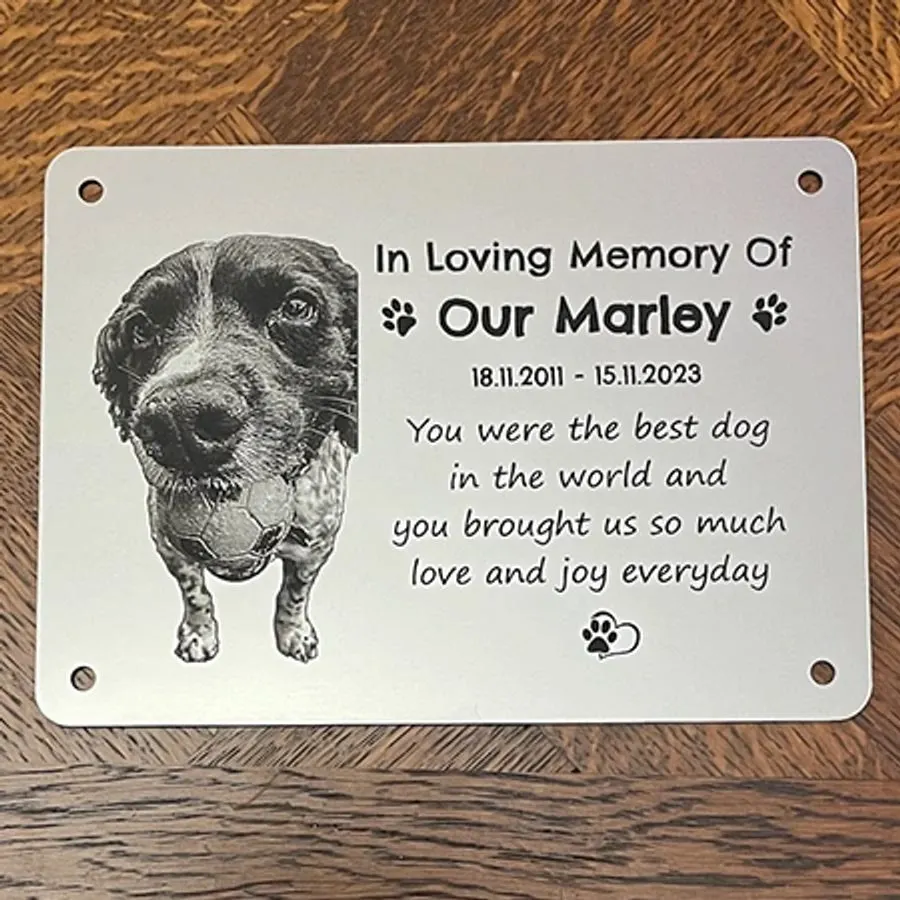
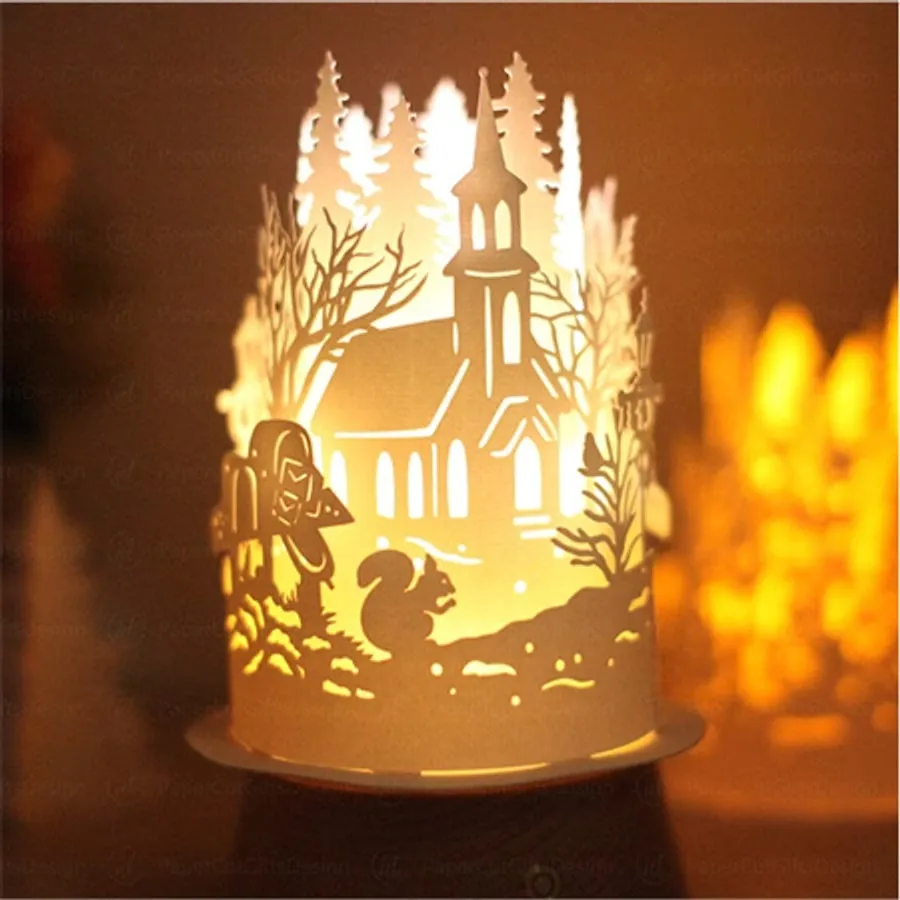
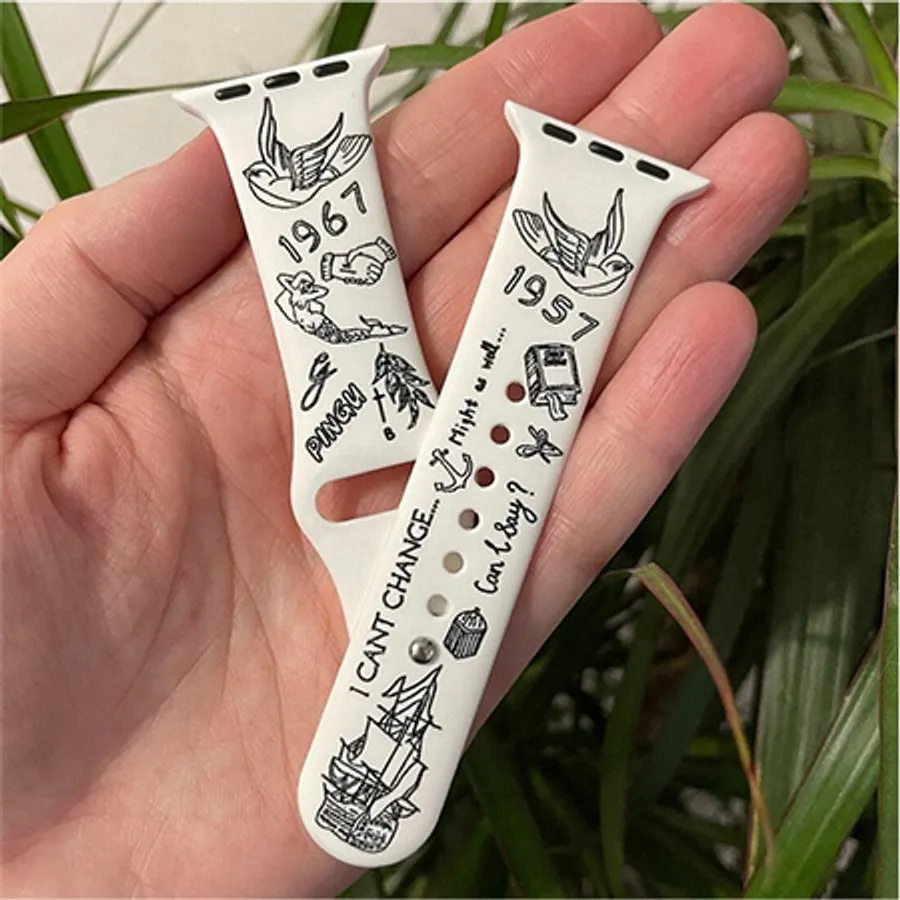
It cuts paper, wood, MDF, leather, felt and some dark opaque acrylics. It also engraves bamboo, fabric, stainless steel, painted and plated metals, dark glass, ceramics, marble and slate.



FDA Class 1 laser
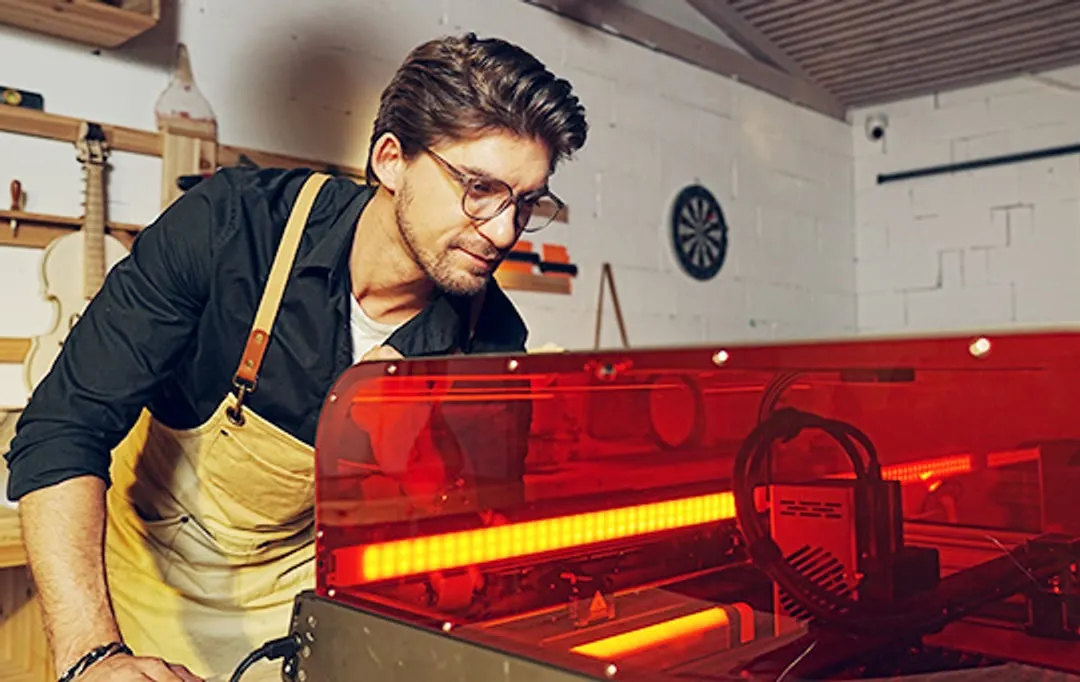
The fully enclosed design and a lid that filters laser light keep light and smoke inside, so you can safely watch the job progress.
Stop on lid open
Two sensors check that the lid and drawer are closed. When either opens, the job stops immediately so no laser radiation escapes.
Five safety features
Sensors in five directions stop the machine when the laser head hits a limit. The machine also stops if it is tilted, tipped over or dropped. On top of that, it has a key lock, an emergency stop button and a laser head cover made of filter glass.
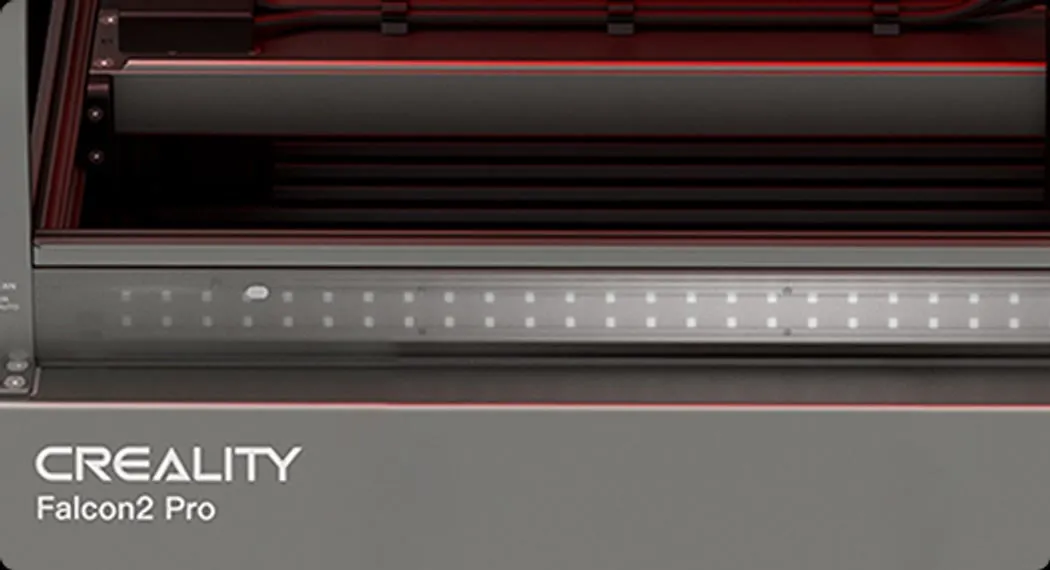
Check that the lid and drawer are closed.
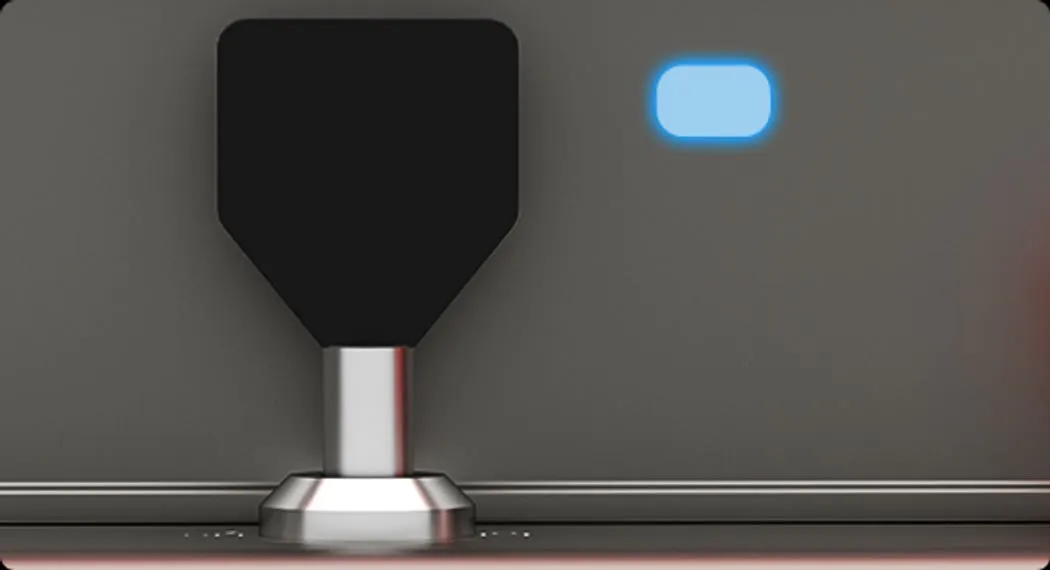
Its color shows the machine status, such as standby, laser operation or an error.
Triple monitoring
Sensors in the laser module continuously monitor airflow, flames and lens contamination.
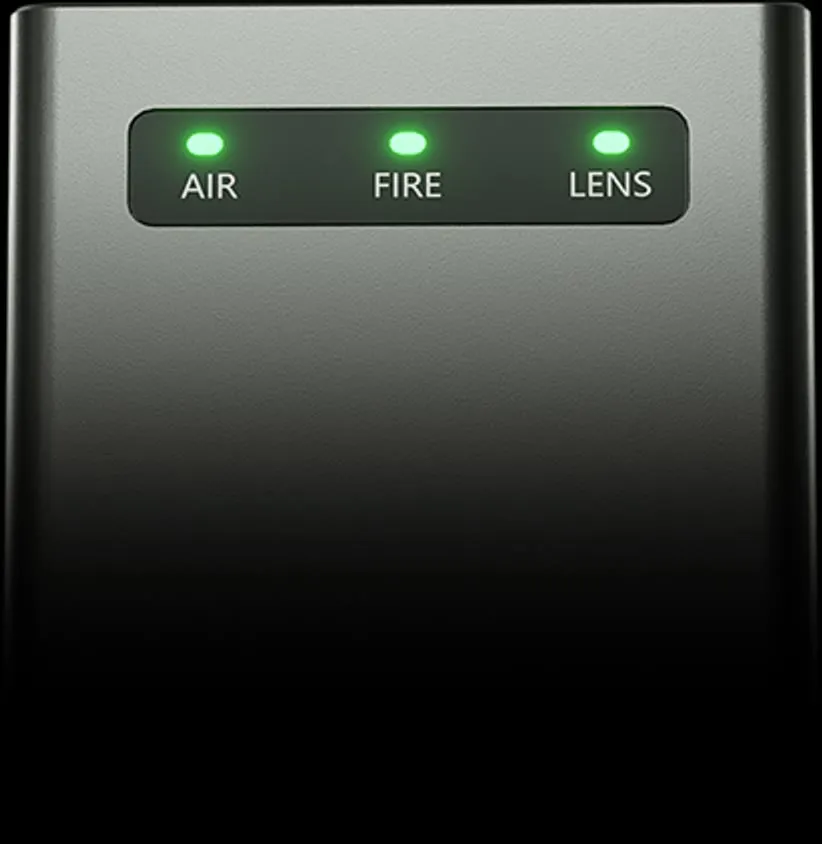
Shows the current airflow, which you adjust to your job.
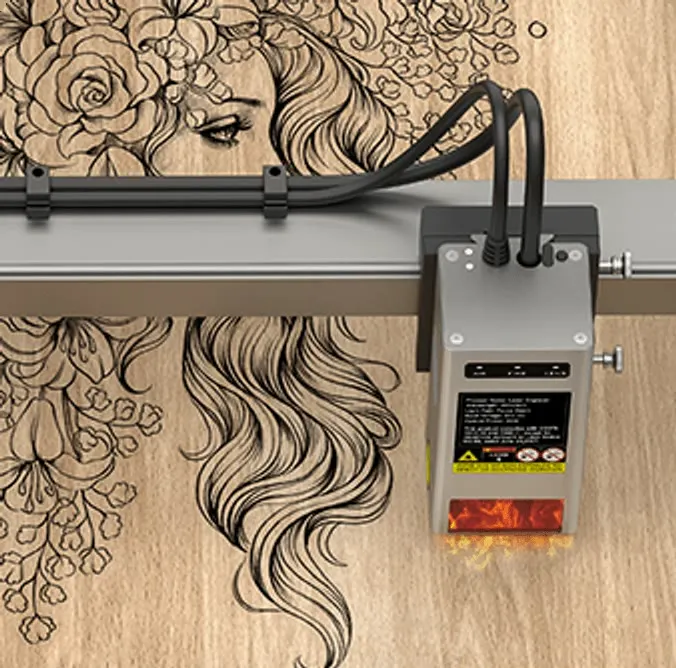
When a flame is detected, a red light flashes, an alarm sounds and the machine stops immediately.
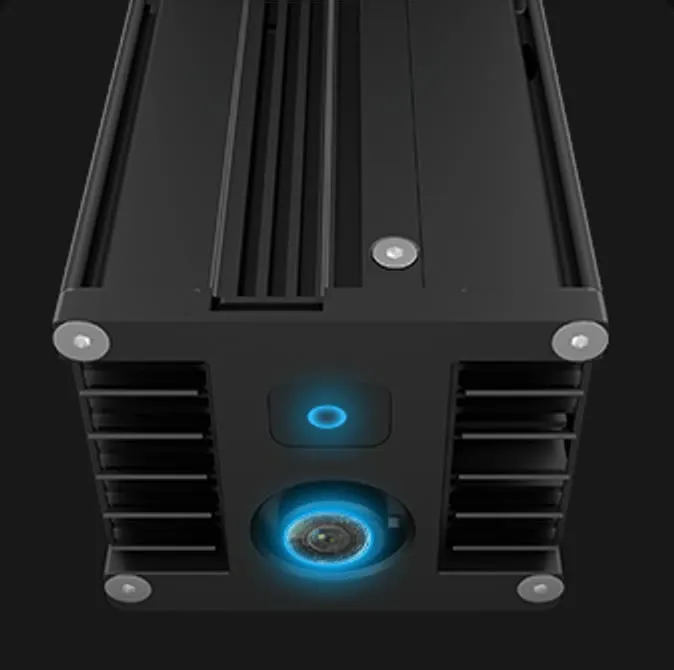
Warns of a dirty lens and helps prevent lens damage and frequent replacements.
Metal drawer
Debris falls into a metal drawer. Just pull it out, empty it and wipe it clean.
Quick setup
After unboxing, you assemble the machine in about 10 minutes and can start creating.
Thoughtful design
A compact machine with a slide-out opening, front-panel controls and computer-free operation.
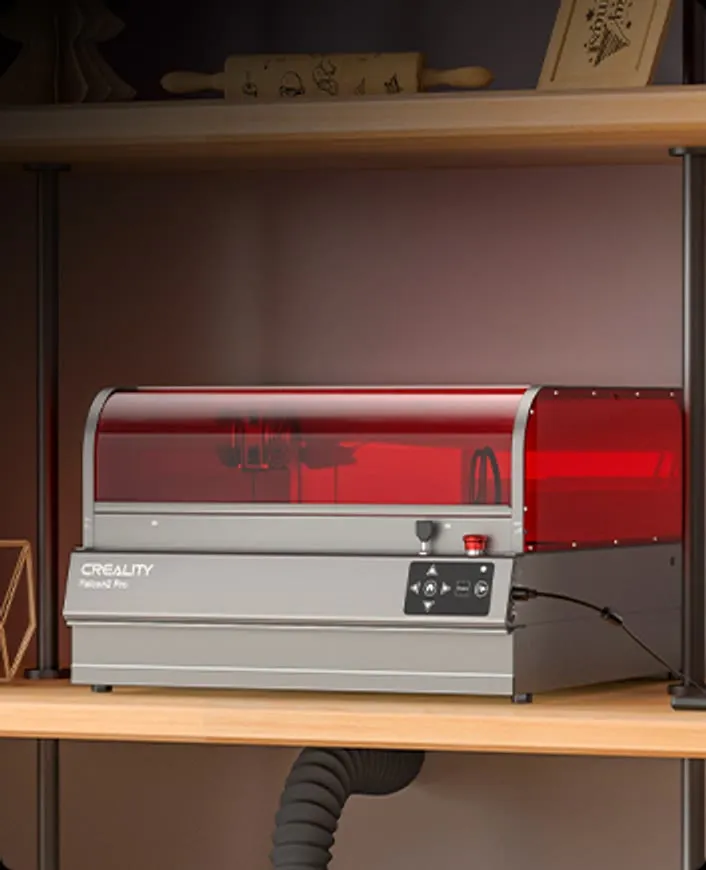
A slide-out opening and dimensions that fit even a small studio.
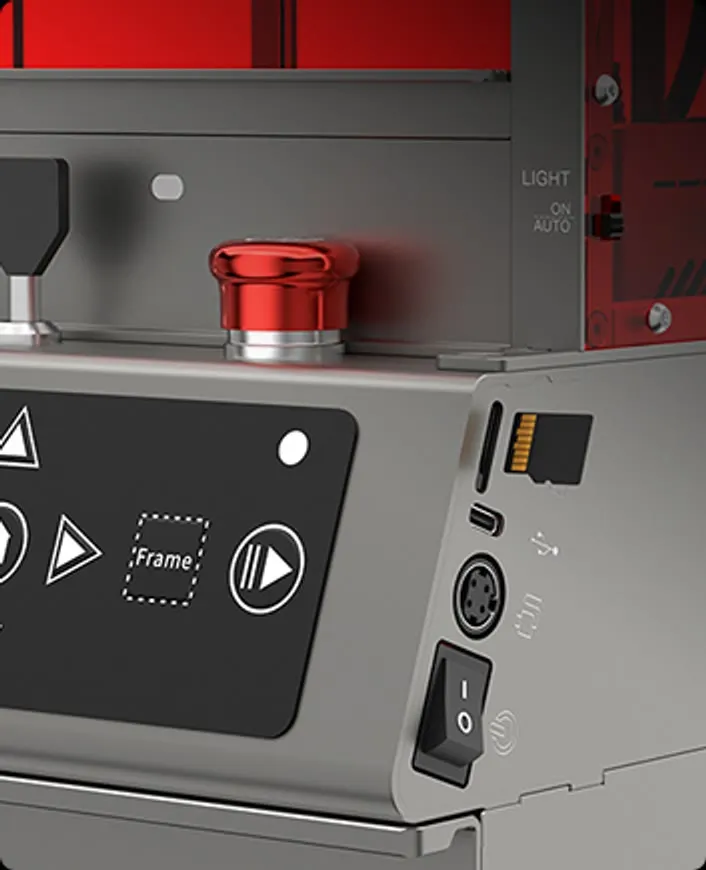
Start jobs from a TF card right on the machine.
Software
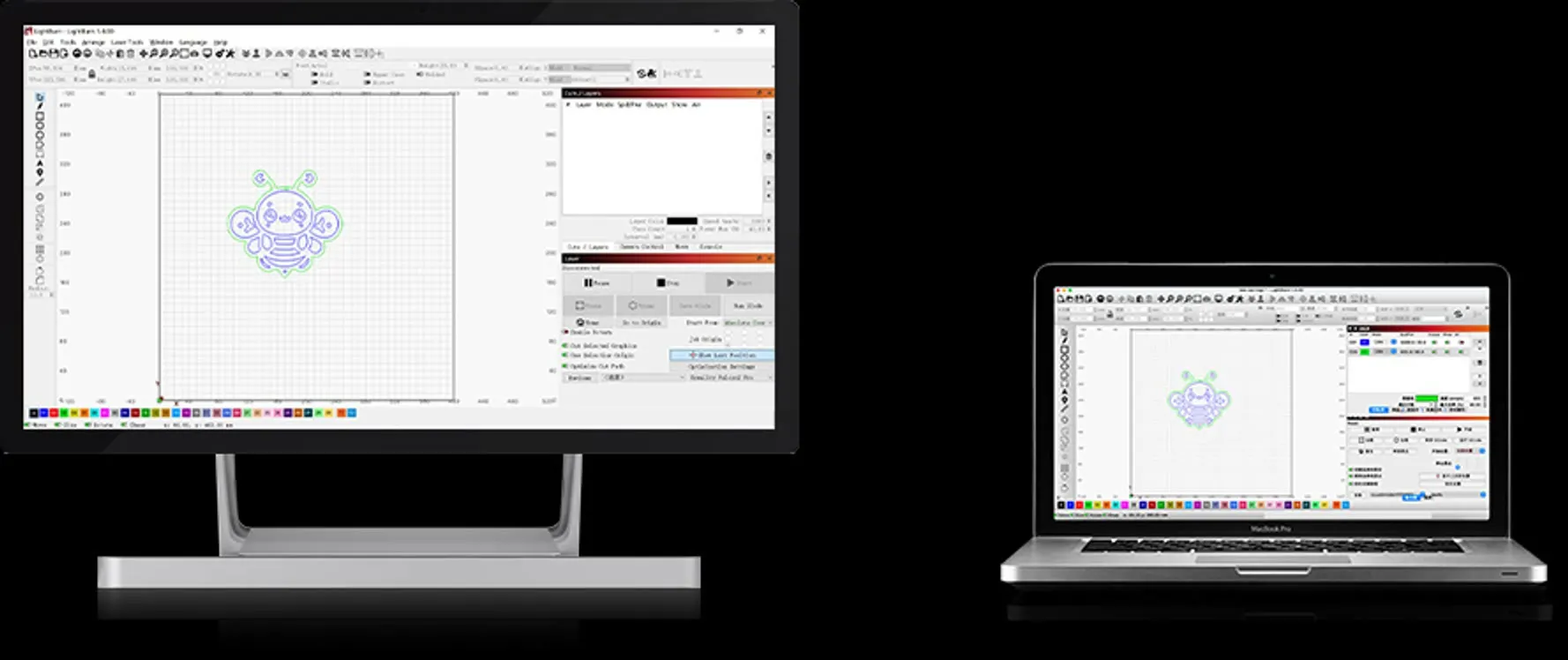
Falcon2 Pro works with LightBurn, LaserGRBL and Falcon Design Space on Windows and macOS. It loads JPG, PNG and BMP images as well as SVG and DXF vectors.
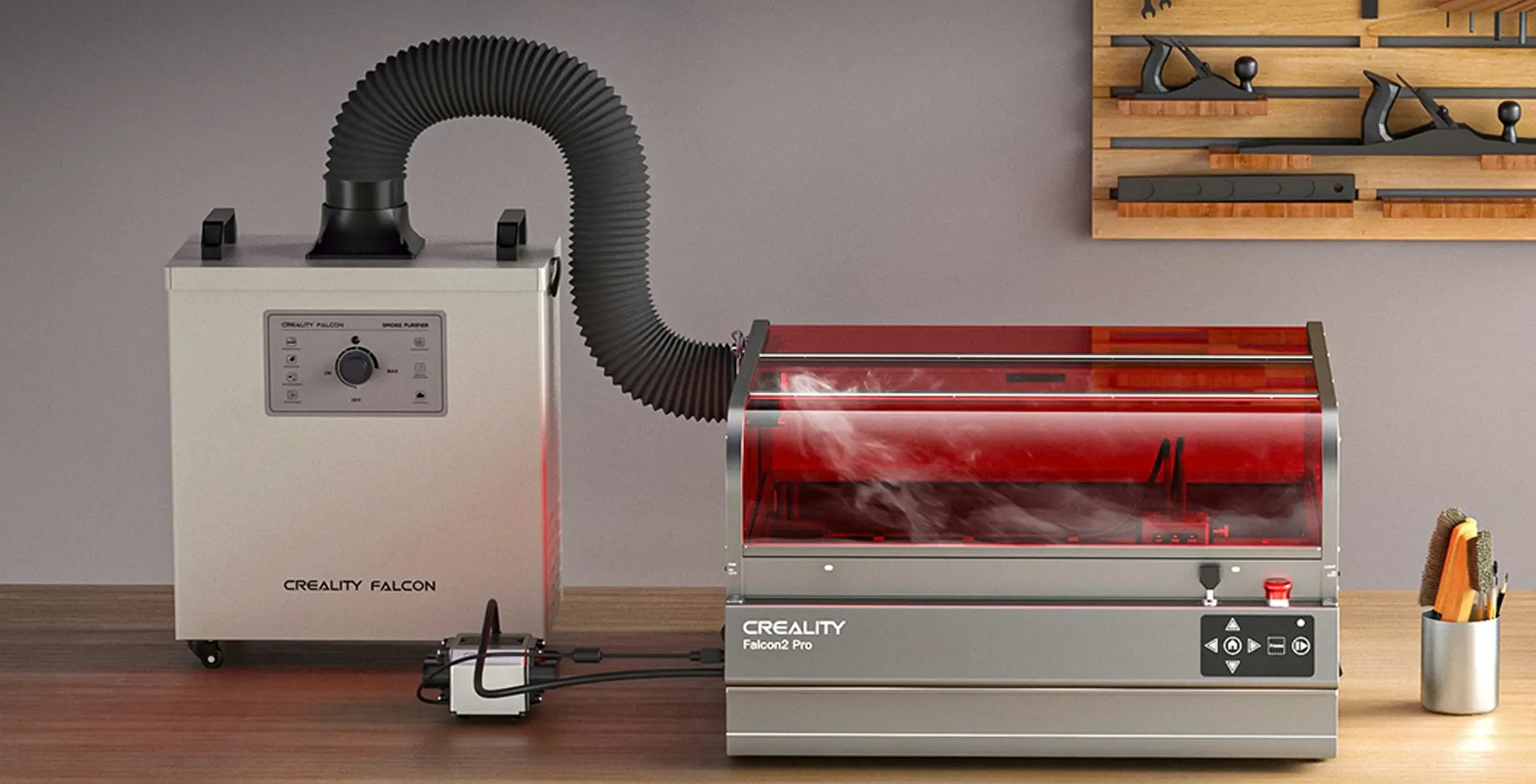
Air purification
The Creality Falcon Smoke Purifier works with the built-in fan to capture smoke and dust during operation with 99.97% efficiency.
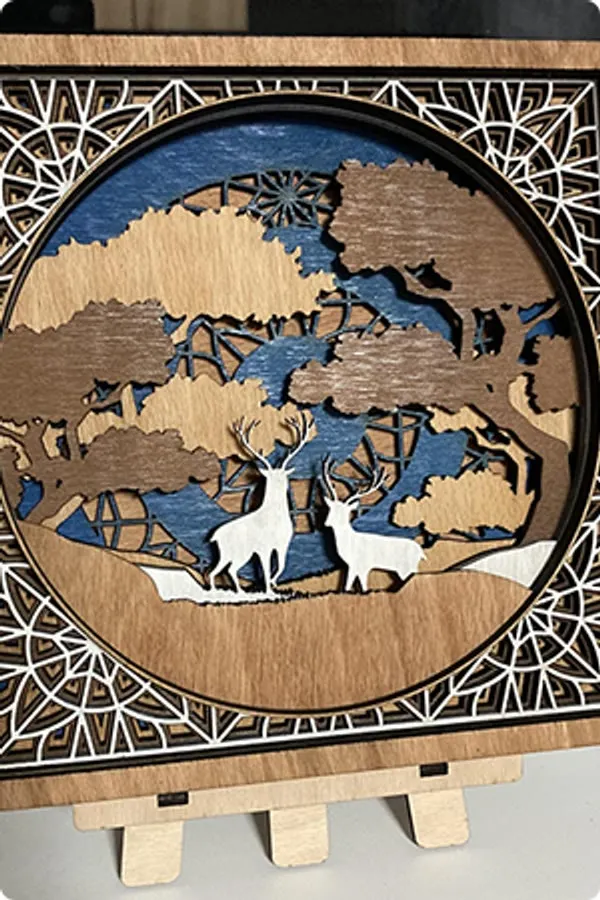
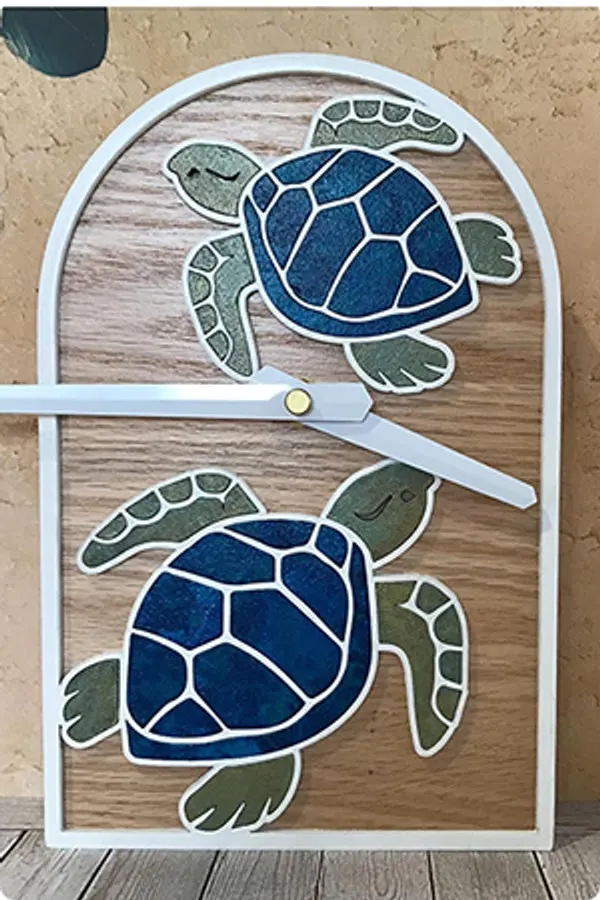
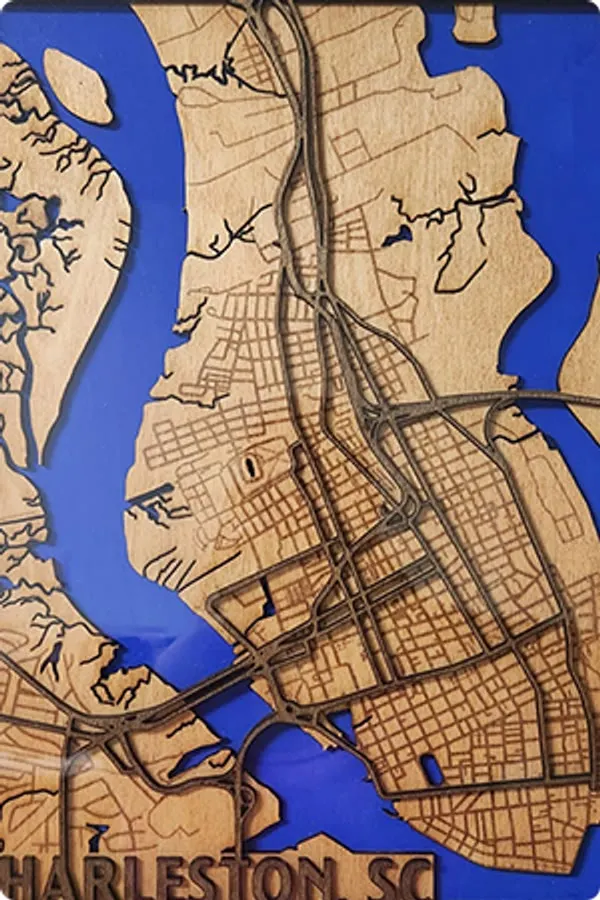
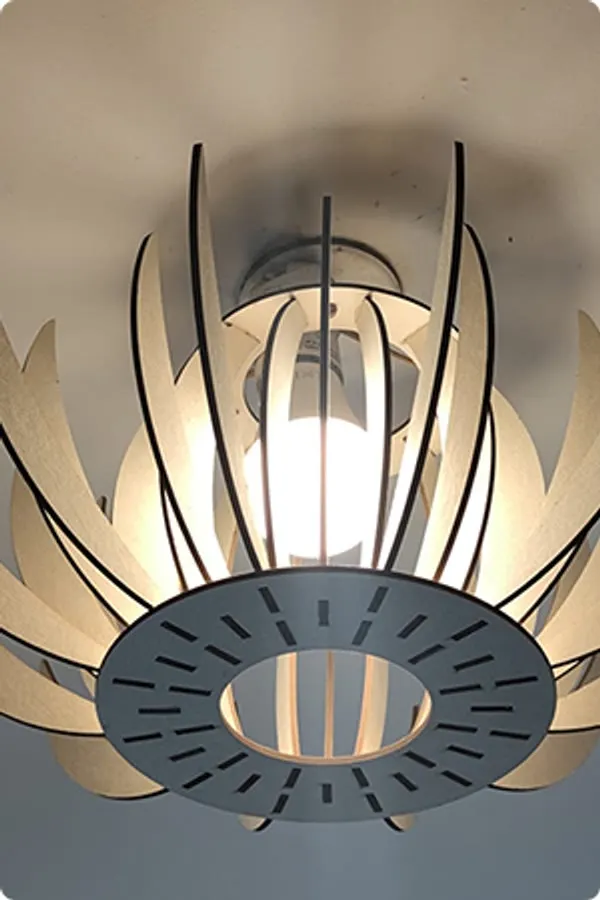
Layered art, maps, clocks and lamps from a single machine.





| Model | Lasers | Working area | Max. speed | Camera |
|---|---|---|---|---|
| Creality Falcon A1C | Diode 5 W, 10 WInfrared 1.2 W | 150 × 150 mm | 250 mm/s | No |
| Creality Falcon A1 | Diode 10 W | 381 × 305 mm | 600 mm/s | Yes |
| Creality Falcon A1 Pro | Diode 20 WInfrared 2 W | 358 × 268 mm | 600 mm/s | Yes |
| Creality Falcon2 Pro This model | Diode 22 W, 40 W, 60 W | 400 × 415 mm / 400 × 400 mm | 417 mm/s | Yes |
| Creality Falcon T1 | Diode 20 W, 40 WFiber 20 WMOPA 60 WUV 5 W | 175 × 175 mm | 10,000 mm/s | Yes |
It cuts paper, cardboard, wood, MDF, leather, felt and some dark opaque acrylics. It also engraves bamboo, fabric, rubber, stainless steel, painted and plated metals, dark glass, ceramics, marble, slate, concrete and brick.
The 22W version cuts 10 mm basswood and 10 mm acrylic, the 40W version 20 mm basswood, 30 mm acrylic and 0.15 mm metal sheet, and the 60W version 22 mm basswood, 30 mm black acrylic and 0.2 mm stainless steel sheet.
In laser power, spot size and cutting thickness. The 40W version has two beam levels, the 60W version three, and both also include the 1.6W laser module in the box. The 22W and 40W versions have a 400 × 415 mm working area, the 60W version 400 × 400 mm.
Very fine engraving, such as photos. Its spot measures 0.06 × 0.06 mm. It is included with the 40W and 60W versions.
Yes, but glossy and transparent materials such as glass or ceramics need an anti-reflective coating before engraving. This improves the result and keeps reflected light from damaging the laser module.
LightBurn, LaserGRBL and Falcon Design Space on Windows and macOS. It handles JPG, PNG, BMP, SVG, DXF and other formats. Without a computer, you start a job from a TF card right on the machine.
Creality Falcon2 Pro 60W is an enclosed diode laser for workshops, custom production, and demanding hobby use. Its high optical power is useful for cutting wood and acrylic, while the finer beam adjustment allows you to switch to detailed engraving without replacing the main laser module.
The laser module combines twelve diodes to deliver 60 W of optical power. The manufacturer states that, with suitable settings and material, it can cut through 22mm basswood plywood or 30mm black acrylic in a single pass. Three-level beam adjustment allows you to adapt the work characteristics to power modes of 22, 40, and 60 W.
The built-in camera displays the entire 400 x 400 mm working area and helps position graphics on the material. This is useful when working with offcuts as well as when batch-processing several items at once. The metal drawer beneath the working area catches debris and makes cleanup after cutting easier.
The Class 1 safety-rated design separates the working area from the operator. The integrated fan extracts smoke, and the machine supports air assist for cleaner cut edges. Falcon2 Pro works with LightBurn and LaserGRBL software and accepts common raster and vector formats.
Actual cutting capability depends on the type and quality of the material, focus, speed, power, and use of air assist. Always verify that the material is laser-safe before processing.
| Laser type | diode |
| Laser power | 60 W |
| Working area | 400 x 400 mm |
| Spot size | 0,08 x 0,15 mm |
| Wavelength | 455 ± 5 nm |
| Safety class | Class 1 |
| Machine dimensions | 664 x 570 x 328,4 mm |